
How Receivers and Smart Receivers Work With Christmas Light Controllers
Shop for a Christmas light controller and you'll run into three similar names: controllers, receivers, and smart receivers. Whether you're new to the hobby or you've been running a show for years, it's easy to mix them up. It matters, because the wrong one simply won't work in your show. So what do you need and how do they differ?
Start with the controller
Every animated light show needs at least one controller. It's the main box that drives your lights, and it's separate from your show player. Some controllers have a show player built in. That doesn't make them better, it's just how those products are built. Either way, you need a controller (or several) in your show.
Controllers connect to your show player by ethernet. Some also support wireless.
Adding a Receiver
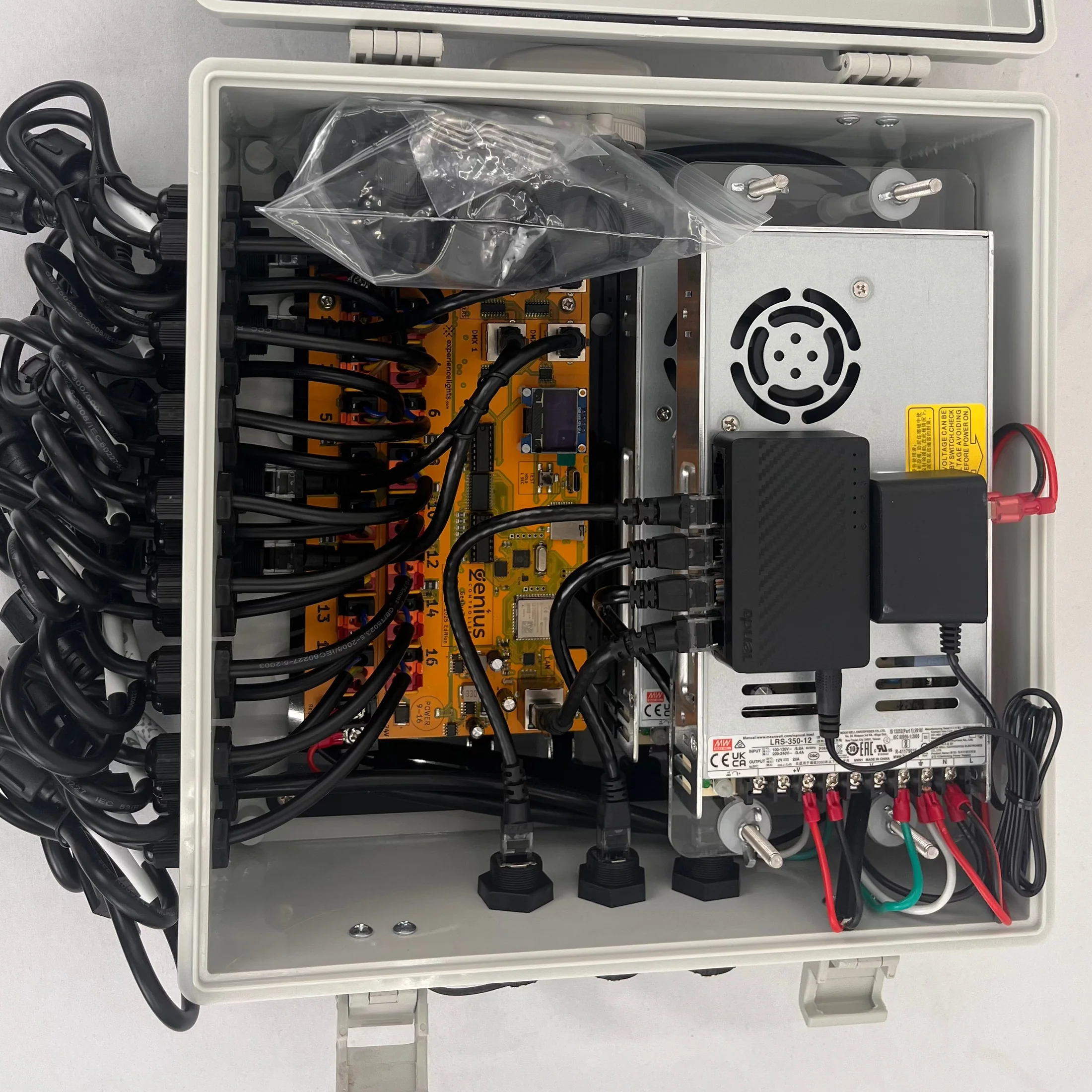
Controllers have ports for receivers. Depending on the controller brand and model, that could be anywhere from one to four ports, or eight or more. Smart receiver ports are usually labeled with port numbers. A Genius 16, for example, has two smart receiver ports, labeled 17 through 20 and 21 through 24.
A receiver is an extension of the controller. It costs less because it doesn't have the processor a full controller has. It connects to the controller with a direct ethernet cable, not through your computer network, so no network switches in between. Cat5e cable is perfect. You don't need to go any higher.
Receiver vs. smart receiver: what's the difference?
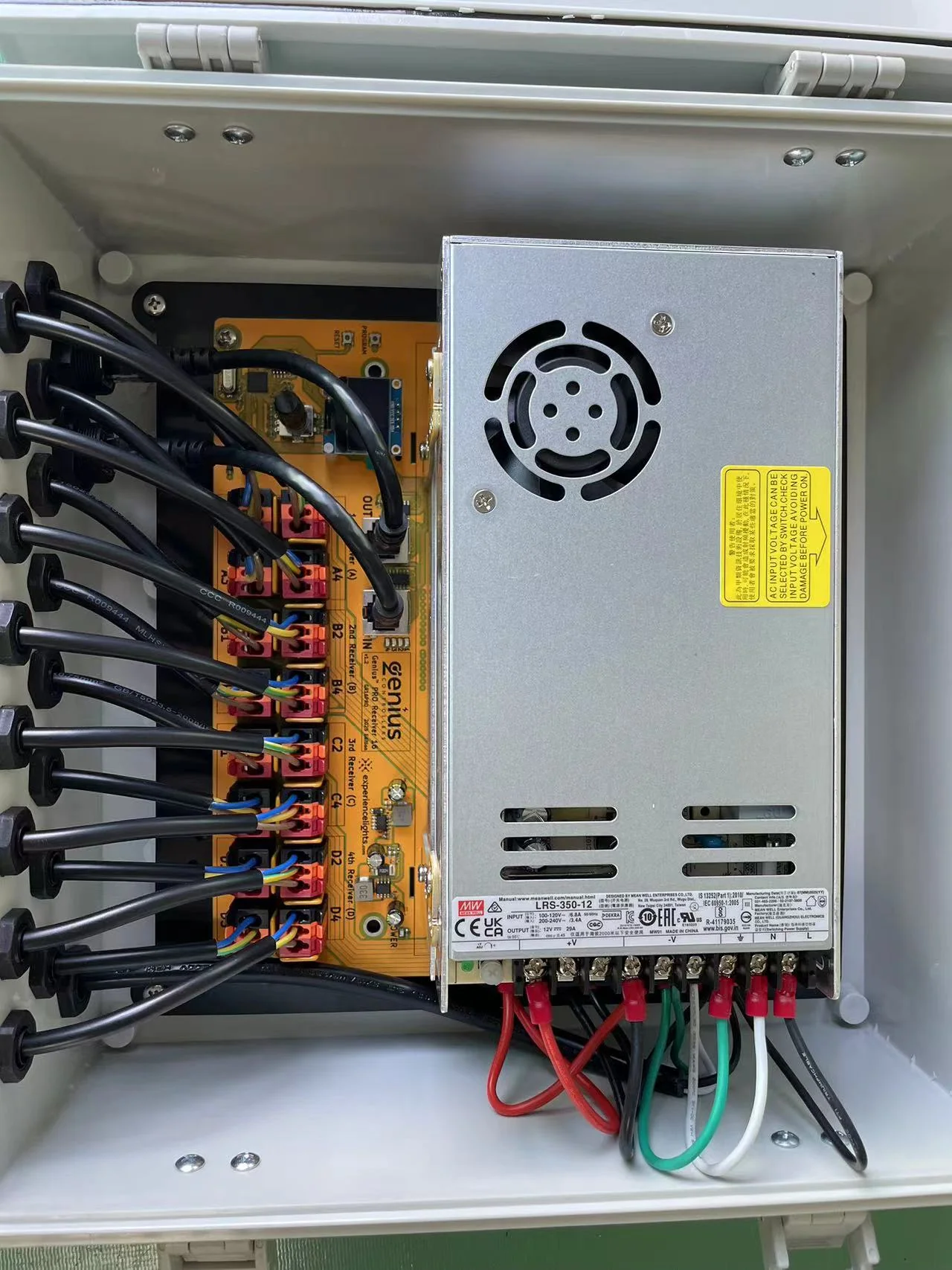
A regular receiver (the hobby calls it a "dumb" receiver) is a straight extension of your controller. It sends out whatever a group of four controller outputs would send, just from a different spot, and you get one per cable run.
A smart receiver can share a cable. Each one gets an ID, a letter from A through F, so you can chain several on one ethernet run and treat every port as its own output. That's where labels like 17A and 17B come from.
The catch is that a chain still shares one cable back to the controller, so your total pixels have to fit within that port's limit. Genius receivers detect what kind of controller is sending to them and set themselves up, so you don't have to choose.
How many receivers can you have?
Receivers come in banks of four ports, and a controller can typically chain up to six smart receivers on each smart receiver port.
Here's where it gets tricky. A receiver with more ports counts as more than one receiver. An 8 port receiver counts as two. A 16 port receiver counts as four. So on a Genius controller, for example, you can't hang a pile of 16 port receivers off one smart receiver port. A single 16 port receiver already uses four of your six.
Watch your pixel count
Receivers are great for avoiding power injection. But if you're running a lot of pixels, or lower wattage pixels like seed pixels, keep an eye on your controller's per port limit. It varies by controller, and it's often around 800 pixels.
Add up the pixels on the first port of every receiver sharing a controller port (17A through 17F, for example). That total has to stay under the per port limit. Chain too many receivers off one controller and you can overload it, and the refresh rate on those pixels will suffer.
Ready to build your setup?
Start with a controller, and remember it may or may not include your show player. How many receivers you can add depends on your controller and how many pixels you're running per port. Receivers come in banks of four, so a 16 port receiver uses four of the six slots your controller can handle on that output. Line up those three things and you'll pick the right gear the first time.
At Above AVL, we carry controllers and receivers, including Genius ready-to-run models by Experience Lights. Browse the full selection at aboveavl.com.
